
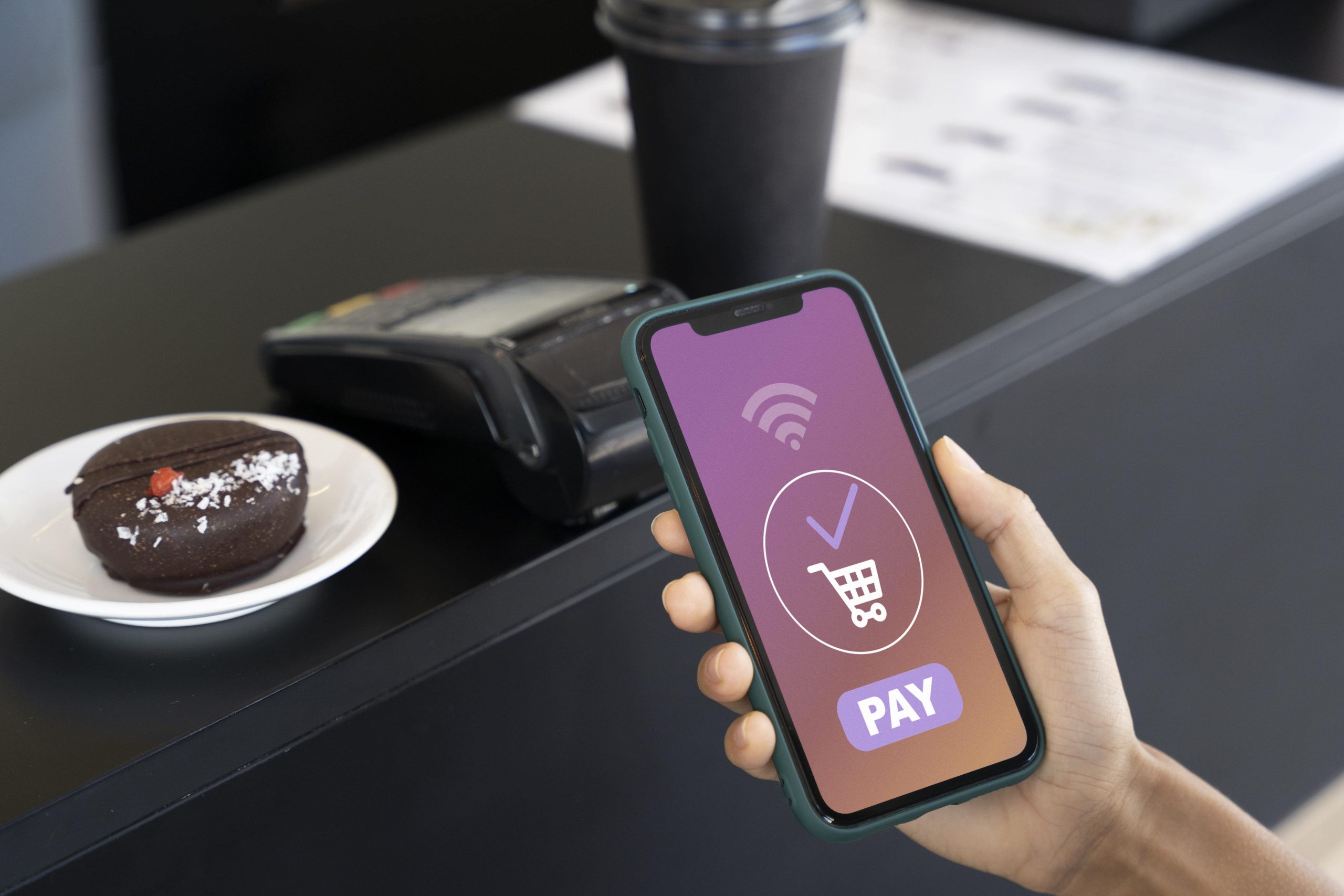
Most Android apps today come with in app purchases, small payments you make inside an app to unlock features, remove ads, or buy game coins. But here’s the thing those small payments can add up fast. So, people often ask, what does in app purchase mean and is there any way to get free in app purchases legally?
This blog will explain how in-app purchases work, how to save money, and even how to turn off in app purchases if you don’t want accidental spending. You’ll also learn how do I disable in app purchases for kids or shared devices, and how in app purchase apps use rewards, promos, and other safe ways to help you get more without overspending.
Know the Difference Between Legal vs Illegal
Before trying to get free in app purchases, it’s important to know where the legal line is. Many people look for tricks to unlock paid features without paying, but most of those methods are risky and can get your account banned.
What does in app purchase mean
An in app purchase is any item, service, or feature you buy inside an app. It could be game coins, ad-free versions, or premium filters. Developers add these purchases to support updates, fix bugs, and keep the app running. So, when you pay, you’re not just buying features, you’re supporting their work.
- Legal ways vs illegal shortcuts
- Legal ways to get free in app purchases include:
- Using Google Play rewards or promo codes
- Taking part in beta testing or giveaways
- Using safe credit-earning apps like Google Opinion Rewards
- Learning how to turn off in app purchases to avoid mistakes or unwanted charges
Illegal shortcuts include:
- Downloading cracked APKs or modified apps
- Using fake receipt generators or payment bypass tools
- Sharing paid apps for free on unverified sites
These methods may look tempting, but they can harm your device or steal your data.
How to stay safe
If you ever wonder how do I disable in app purchases or prevent children from spending, go to the Play Store settings and turn on purchase authentication. This will stop any unwanted payments.
Stick with official offers and reward systems. Free shouldn’t mean risky. In app purchase apps often provide discounts or events that give you the same value, legally and safely.
Official Channels and Giveaways
If you’re looking for free in app purchases, start with the official and safe options. Many in app purchase apps offer legal ways to earn or unlock rewards through promotions, giveaways, and subscriptions. You just need to know where to look.
Google Play Promotions and Sales
Google often runs special deals where paid apps or premium items are discounted or temporarily free. Check the “Offers” section in your Play Store. Some developers also give promo codes on their websites or social media. These codes can unlock in app purchases without paying. Always use official links, never third-party sites that ask for personal information.
Google Play Pass
Play Pass is a monthly plan that gives you access to hundreds of premium apps and games without extra in app purchases. You can try it free for a month and cancel anytime. For people who use several apps regularly, this option saves money in the long run.
Beta Testing and Early Access
Developers sometimes allow users to test new apps or features before release. In return, testers get free access to premium tools or content. Search for “beta” or “early access” in the Play Store to find these chances.
Developer Giveaways and Promo Codes
Follow your favorite app developers on platforms like Twitter, Reddit or Discord. They often share limited promo codes or run small contests to give away free in app purchases. It’s a simple, legal way to enjoy extra features.
Smart Tip Family and Refund Options
If you share your phone with others, learn how to turn off in app purchases or how do I disable in app purchases from the Play Store settings. You can also use Google’s Family Library to share purchases safely across multiple accounts.
Earn the Currency Play More, Pay Less
You don’t always need to spend real money to enjoy in app purchases. Many in app purchase apps reward you with in-game coins, gems, or credits just for playing. The trick is to use those rewards smartly and make the most of free options.
Daily Rewards and Challenges
Most apps offer daily bonuses, login streaks, or small missions that give you rewards. Logging in every day might seem small, but these points or coins add up. Completing challenges or watching short ads also earns you credits that can be used for free in app purchases later.
Example In mobile games, completing a weekly event can unlock premium items that others pay for. It’s a simple way to get the same results without spending money.
Time-Efficient Play
If you enjoy games, plan your playtime. Many apps reset daily challenges at specific hours. Use a few minutes each day to complete high-value tasks. Focus on events that offer big rewards rather than small ones. This method saves both time and money while still letting you enjoy new features.
Referral and Invite Bonuses
Some apps offer referral rewards. When you invite friends, both of you earn in-app credits or premium features. This is one of the easiest and most honest ways to earn free in app purchases.
Keep Track and Stay Safe
Always keep track of your rewards and spending. If kids also use your phone, learn how to turn off in app purchases or how do I disable in app purchases in the Play Store. This will help avoid accidental buying.
By using built-in reward systems, events, and referrals, you can enjoy premium features from in app purchase apps without paying. It’s not about avoiding payment, it’s about playing smart and making your time inside the app worth real value.
Use Reward Apps and Legal Credit Hacks, Key Features
Here’s the thing you can earn Play credit without breaking rules. Below are short, clear bullets that show how to get free in app purchases safely.
- Google Opinion Rewards answer short surveys, get Play credit to spend on in app purchases.
- App referral bonuses invite a friend, both earn credits you can use for paid items.
- Cashback apps buy gift cards at a discount, convert savings into Play credit for apps.
- Promo gift cards watch seasonal deals to buy Google Play cards cheaper than face value.
- Rewarded ads inside apps watch ads to earn coins that unlock paid features.
- Loyalty programs retail or bank rewards sometimes let you convert points to Play credit.
- Short-task apps complete tiny tasks or offers to earn credits safely and legally.
- Subscription trials try Play Pass or app trials to access premium features without paywall.
- Developer giveaways follow apps on social media for promo codes and free items.
- Game event farming focus on events that give scarce currency to unlock premium items.
- Trade time for value prioritize high-reward tasks, not every small mission.
- Family sharing use Family Library to share paid apps among household members.
- Refunds when valid know Play Store refund rules before asking for a return.
- Protect purchases learn how to turn off in app purchases and enable purchase auth.
- Parental controls follow how do i disable in app purchases to stop accidental buys.
- Check app legitimacy avoid cracked APKs and spoof tools that risk your account.
- Small math check compare time to earn versus money to buy, pay if faster.
- Use trusted reward apps and track credits monthly for steady savings.
These steps help you get value from in app purchase apps without risking accounts or data.
Safety, Ethics, and Smart Account Management
Before you try any method to get free in app purchases, you need to stay safe. Many fake sites and apps promise free rewards but steal your data or harm your device. Knowing what’s safe and what’s not is the smartest way to save money.
Protect Your Account
Your Google Play account is your key to all in app purchases. Keep it secure.
- Turn on two-factor authentication for extra protection.
- Use strong, unique passwords.
- Never share your login details with anyone or unknown websites.
- Only use official in app purchase apps from the Play Store.
If you have kids using your device, learn how to turn off in app purchases or how do I disable in app purchases in settings. This prevents accidental payments and keeps your data safe.
Avoid Scams and Fake Offers
Be alert when you see “free coins” or “mod APK” ads. Most of these are scams.
- Never download cracked or modified apps.
- Avoid tools that ask for root access or permissions to read data.
- Real developers never ask for personal details or payment info through pop-ups.
- Use trusted sources like Google Play or verified developer pages for any deals.
Stay Ethical and Smart
It’s easy to forget that every in app purchase supports someone’s work. Developers spend time, skill, and money building those apps. Instead of trying to cheat the system, use legal reward options and promotions.
You can also use a simple rule if a feature saves you hours of time, it’s often worth paying for it.
Being smart with your money doesn’t mean breaking rules. Secure your account, use legal reward apps, and support honest developers. With the right habits, you can enjoy free in app purchases safely, ethically, and without risking your Google Play account.
Final Words
In short, in app purchases are a normal part of how mobile apps make money, but that doesn’t mean you have to overspend. You can still enjoy free in app purchases through legal ways like Google rewards, promo codes, and in-game events. Always stay safe, protect your account and avoid fake tools that promise free access. If you share your phone, learn how to turn off in app purchases or how do I disable in app purchases to stop unwanted charges. Remember, smart users know what does in app purchase mean and how to make the most of it. Use trusted in app purchase apps, save money wisely and support developers who keep improving the apps you love.